Paperlock icon: a page with a keyhole

Paperlock

Private, encrypted, offline

A locked place on your iPhone for the papers that matter: passports, leases, tax returns, medical records. Scan them or import them, and they stay on your phone.

Download on the App Store Coming soon to the App Store

Free. No account, no ads, no analytics.
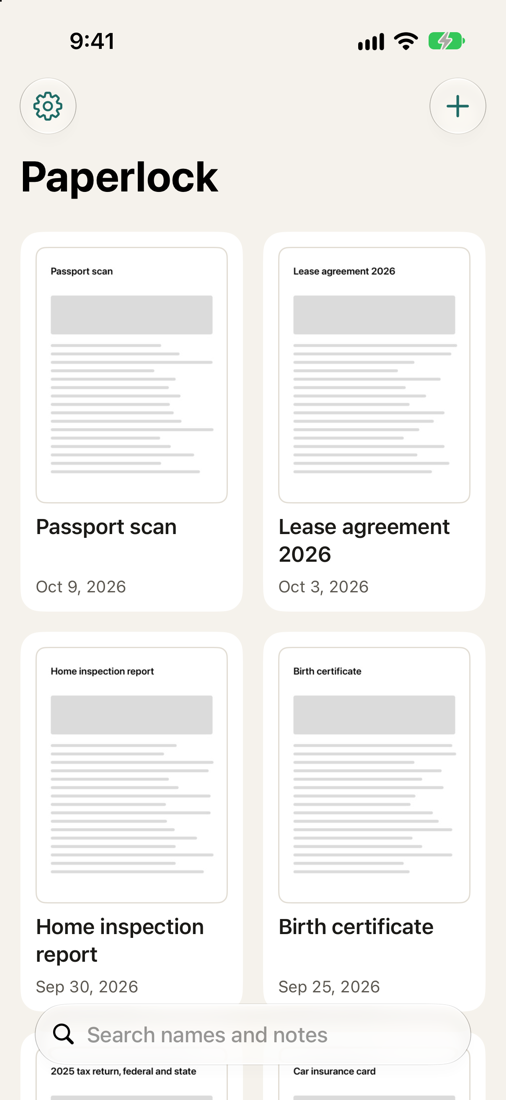
Paperlock's library: six documents in a grid with a search field
Your papers, in one place.
Paperlock's lock screen with an Unlock with Face ID button
Locked every time you leave.
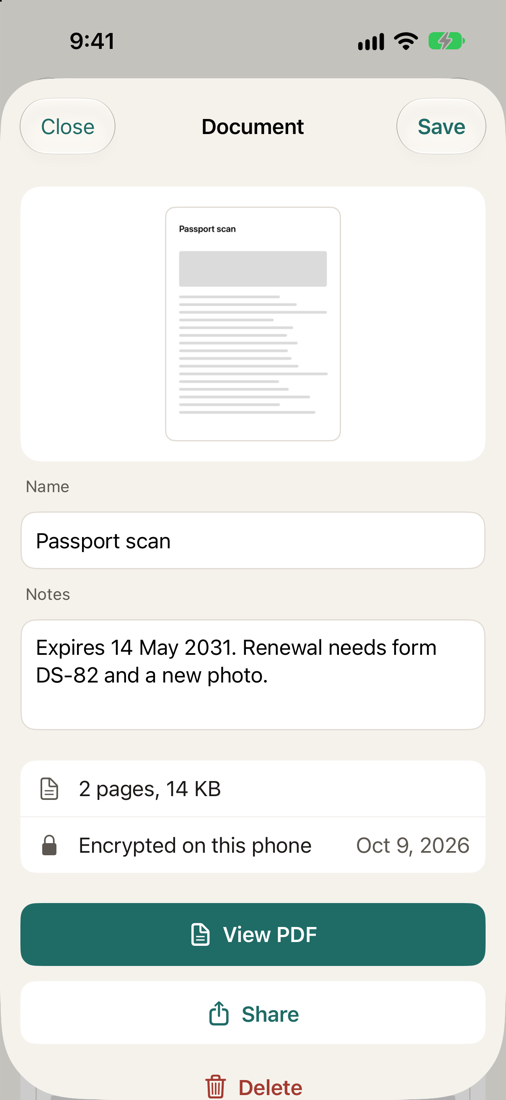
A document in Paperlock with its name, notes and a View PDF button
A name, a note, and the PDF.

What it does

A drawer with a lock on it

Your iPhone can already scan a page. Paperlock is where the scan goes afterwards, when it is something you would not leave lying around.

Scan or import

Scan paper with the camera, and several pages become one PDF. Or import a PDF you already have.

Name it and find it

Give each document a name and a note, such as an expiry date or where the original is kept. Search looks through both.

Share when you choose

Open the PDF, or send a copy with the share sheet. Nothing leaves the vault unless you send it.

Back up to one file

A backup is a single encrypted file with its own password. You decide where it goes. Paperlock does not upload it.

How it is locked

Locked, and encrypted underneath

A lock screen alone only hides things. Paperlock also encrypts them, so the files are unreadable without the key.

What to know

Honest about the trade

Keeping everything on your phone and under your own password has a cost. It is better to know it now.

Download

Coming to the App Store

Free on the App Store

Paperlock is free for iPhone and needs iOS 18.5 or later. It replaces the app that was called Secure Document Vault. If you have that app, the update keeps your documents and encrypts them the first time you open it.

Download on the App Store

Support

Questions and help

Write to john@jjlarson.com. I cannot see or recover your documents or your passwords, but I can help with how the app works.